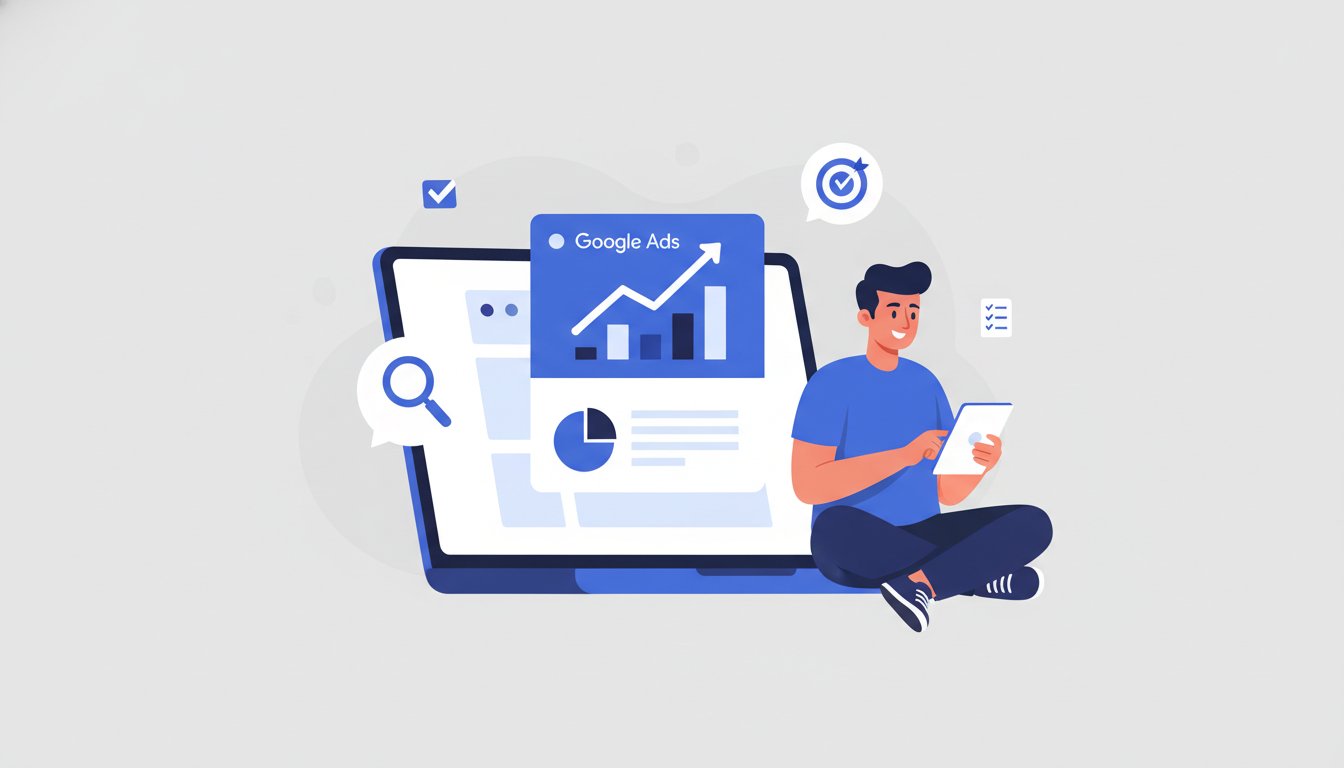
Diving into the world of Google Ads can feel like a monumental task, but it doesn’t have to be. With the right guidance, you can move from feeling overwhelmed to feeling empowered. This guide is designed to do just that. Here, you will learn to launch your first profitable Google Ads campaign from scratch with our simple, expert-guided, task-based process. Let’s transform your marketing goals into real results.
Before You Begin: Your 4-Point Pre-Campaign Checklist
Real success in Google Ads starts before you even open the platform. A few minutes of preparation can save you time, money, and frustration down the road. This essential checklist ensures you have a clear plan from the outset, helping you avoid common mistakes by preparing these fundamentals first.
1. Define Your Goal: What Do You Want to Achieve?
Before you spend a single rupee, you must decide on one primary objective for your campaign. What is the single most important action you want a user to take? For example, your goal could be to get more website sales or generate leads through a contact form. For a local business, it might be to increase phone calls. Having a clear, singular goal makes every other decision in the setup process simpler and more effective.
2. Understand Your Budget: How Much Can You Invest?
Your budget is a critical component of your strategy. You need to set a daily budget that you are comfortable with and can sustain. Remember, you don’t need a massive budget to get started; you can begin small and scale up your investment as you see positive results. Your budget directly influences your bidding strategy and how aggressively your ads can compete, so it’s vital to have a clear number in mind.
3. Know Your Audience: Who Are You Trying to Reach?
You aren’t advertising to everyone; you’re advertising to your ideal customer. Take a moment to think about their location—are they in a specific city, state, or country? Consider their interests and, most importantly, the specific phrases they would type into Google when looking for your product or service. This initial thinking helps you target the right people and avoid wasting your budget on irrelevant clicks.
4. Prepare Your Landing Page: Where Will Users Go?
When a user clicks your ad, they are taken to a landing page on your website. This page must be directly relevant to the promise you made in your ad. Ensure your landing page is mobile-friendly, as a majority of searches happen on mobile devices, and check that it loads quickly. A great landing page is absolutely key to converting the clicks you pay for into valuable customers.
Creating Your First Google Ads Campaign in 9 Simple Steps
Now that your foundation is set, it’s time to build your campaign. Follow this task-based guide to launch your campaign with confidence. We’ll walk through each screen, step by step, so you can not only learn the process but truly experience it. Let’s begin!
Step 1: Set Up Your Google Ads Account
First, navigate to the Google Ads homepage and sign in with your Google account. When you begin, Google may try to guide you into a simplified “Smart Mode.” It’s crucial that you find the option to switch to “Expert Mode.” While it may sound intimidating, Expert Mode is what gives you the full control necessary to build an effective and optimized campaign.
Step 2: Choose Your Campaign Objective
Once in Expert Mode, Google will ask you to select a goal for your campaign. This choice should directly match the business objective you defined in the checklist. For most beginners, “Leads” or “Website traffic” are excellent starting points. This selection helps Google recommend settings and features that are most relevant to achieving your specific goal.
Step 3: Select Your Campaign Type
Google offers several campaign types, such as Display, Video, and Shopping. For your first campaign, you should absolutely choose “Search.” Search ads are the text ads that appear on the Google search results page when users are actively looking for keywords related to your business. This is the most common and effective campaign type for beginners aiming for direct results.
Step 4: Set Your Budget and Bidding Strategy
In this step, you’ll enter the daily budget you decided on earlier. Next is bidding. To start, select “Clicks” as your bidding focus to maximize traffic to your website. This tells Google to get you as many clicks as possible within your budget. You can also optionally set a maximum cost-per-click (CPC) bid to ensure you never pay more than a certain amount for a single click.
Step 5: Define Your Campaign Targeting Settings
Here, you’ll specify the locations and languages of your target customers. Be precise. A critical step for beginners is to look for the “Networks” section and deselect the “Display Network.” This ensures your ads only show on Google search results, giving you a more focused and cost-effective campaign. You can always use Audience segments to narrow your reach later on as you gain more experience.
Step 6: Create Ad Groups and Add Keywords
Think of an Ad Group as a container for a small, tightly-themed set of keywords and ads. For example, if you sell shoes, you might have one ad group for “running shoes for men” and another for “women’s formal heels.” In each ad group, enter keywords that are directly related to that specific theme. Use Google’s Keyword Planner for ideas and start with phrase match and exact match keywords for better control.
Step 7: Craft Your Responsive Search Ad
This is where you write the ad that users will see. With Responsive Search Ads, you’ll write multiple headlines (short, punchy text) and descriptions (longer, more detailed text). Google’s algorithm will then automatically mix and match them to find the best-performing combination. Be sure to include your main keyword in at least one headline and end with a clear call to action, like “Shop Today” or “Get a Free Quote.”
Step 8: Add Ad Extensions for Better Visibility
Ad extensions are extra snippets of information that can be added to your ad, giving users more details and more reasons to click. They make your ad bigger, more noticeable, and more helpful. To start, focus on adding Sitelink extensions (links to specific pages on your site) and Callout extensions (short, benefit-focused phrases like “Free Shipping” or “24/7 Customer Support”).
Step 9: Review Your Campaign and Go Live
This is the final step! Carefully double-check all of your settings, from budget and targeting to your keywords and ad copy. Once you’re satisfied, submit your campaign for review. Google will typically review your ads within 24 hours. Once approved, your campaign will be live. Congratulations, your first campaign is ready to launch! Feeling stuck? Our Google Ads Mastery Course provides hands-on mentorship to guide you through every step.
What to Do After You Launch Your Campaign
Launching your campaign is an exciting moment, but it’s just the beginning of your journey. The real work of a digital marketer is in the monitoring and optimization that comes next. Monitoring your performance is the key to long-term success and profitability. To start, focus on these key metrics.
Monitor Key Metrics: Clicks, Impressions, and CTR
Don’t get lost in the sea of data. In the beginning, focus on three core metrics. Impressions tell you how many times your ad was shown to users. Clicks tell you how many people actually clicked on your ad. And your Click-Through Rate (CTR), which is the percentage of clicks to impressions, tells you how relevant and compelling your ad is to your audience.
The Basics of Optimization: Test and Improve
Optimization is the ongoing process of making small improvements to increase your campaign’s performance. Look at your keywords: are there any that are spending money but not leading to conversions? Pause them. Look at your ads: can you test different headlines or descriptions to see what resonates best with your audience? Continuous testing and refinement are what separate a good campaign from a great one.
Frequently Asked Questions
How much should I spend on Google Ads as a beginner?
There’s no magic number, but a good starting point is an amount you are comfortable losing while you learn. Many businesses start with ₹500 to ₹1000 per day. The key is to start small, gather data, and increase your budget only when you see a positive return on your investment.
How long does it take for a Google Ads campaign to start working?
You can start seeing data like clicks and impressions almost immediately after your ads are approved. However, it typically takes a few weeks to a month to gather enough data to make meaningful optimization decisions and understand your campaign’s true performance.
What is a good Click-Through Rate (CTR) for a Search campaign?
A “good” CTR varies widely by industry, but a general benchmark to aim for is anything above 2-5%. A higher CTR usually indicates that your ads and keywords are highly relevant to what users are searching for.
Can I run Google Ads without a website?
Yes, you can. You can create campaigns with the goal of generating phone calls directly from the ad (Call campaigns) or driving customers to a physical location using a Google Business Profile. However, for most goals like lead generation or online sales, a website is essential.
Why were my Google ads disapproved?
Ads can be disapproved for many reasons, including using trademarked terms, making unsubstantiated claims, or advertising prohibited content. Google will always provide a reason for the disapproval in your account, which you can use to edit and resubmit your ad for approval.
Creating your first Google Ads campaign is a powerful step toward growing your business and achieving your career goals. By following this task-based guide, you’ve learned not just the steps, but the strategy behind them. This hands-on approach is the core of our philosophy at Upmark, where we provide task-based training with live implementation, mentorship from experienced subject matter experts, and job placement support to launch your career. We believe you shouldn’t just learn digital marketing—you should experience it. Ready to master Google Ads? Don’t just learn, experience it in our practical, task-based course.


![Best Career Options After 12th Science [2026]: The Ultimate Guide](https://upmark.in/wp-content/uploads/2025/12/Best-Career-Options-After-12th-Science-2025-The-Ultimate-Guide-Hero-Image-32-1024x585.jpg)